
Screenshots
App details
- Size
- 20.27 MB
- Updated
- October 18, 2018
- Requires
- Windows 8
- Language
- English
- License
- Free
- Developer
- vikitech-com
- Category
- Windows OS
SoftPas in:
This product is also available in the following languages:
About Mortal Kombat Themes
Download Mortal Kombat Themes – Free High‑Quality Wallpapers, Game Art, Backgrounds
Overview
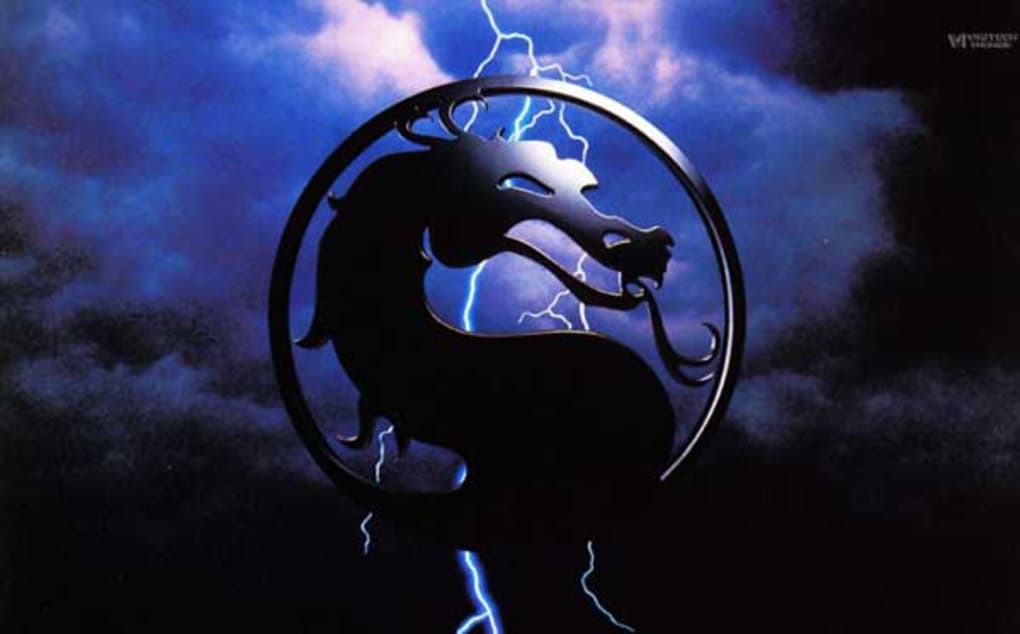
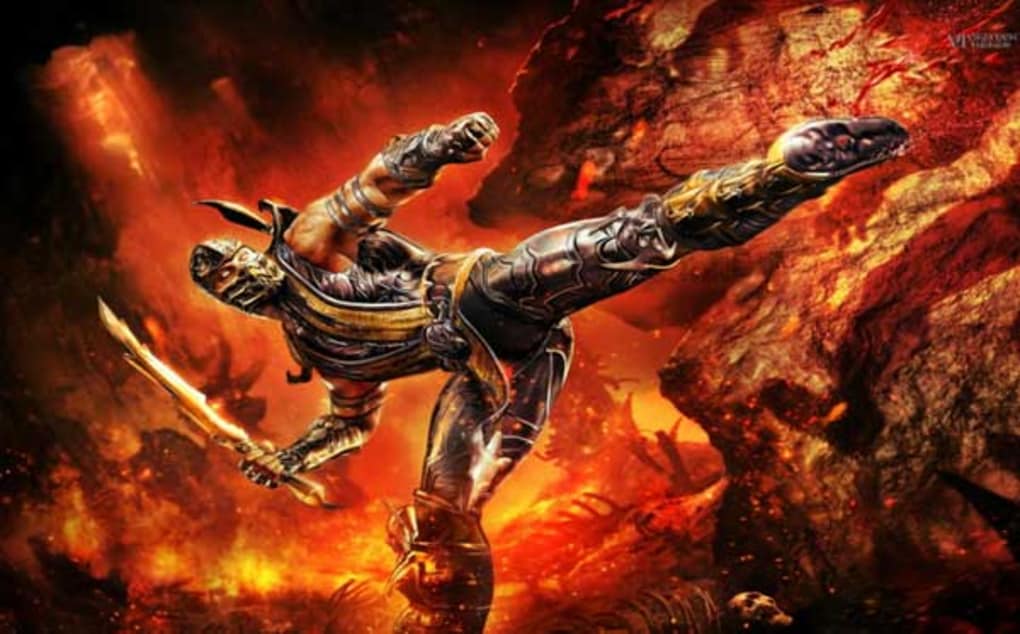
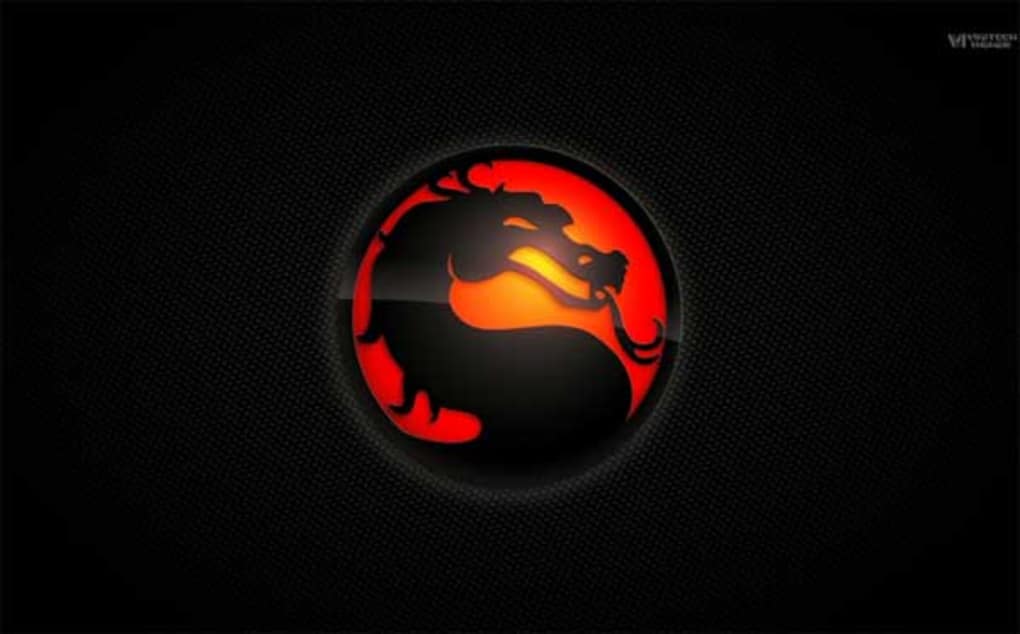
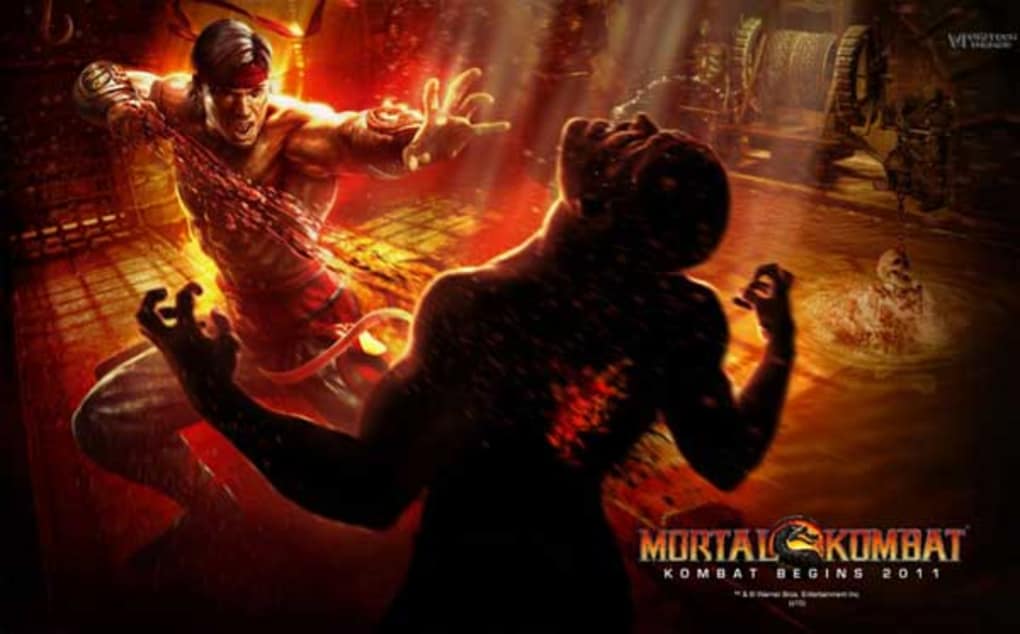
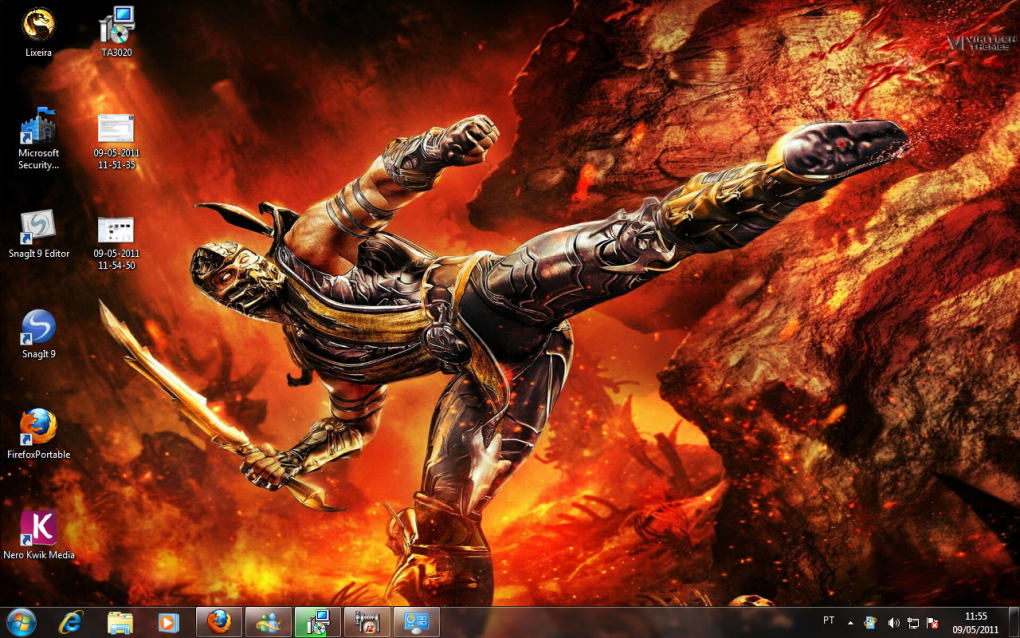
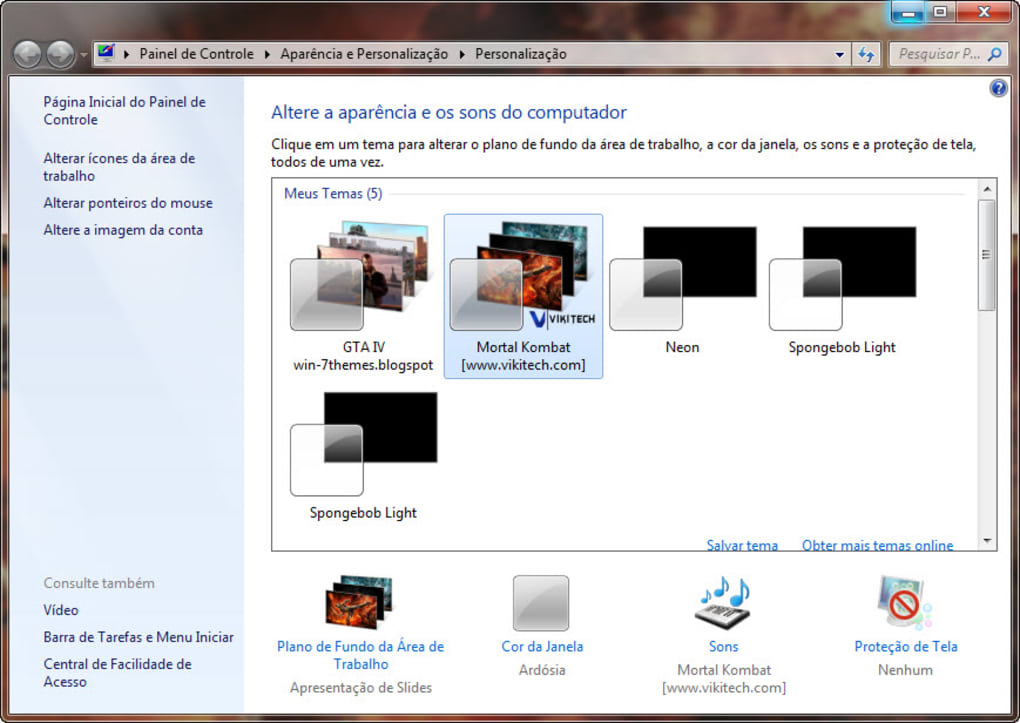
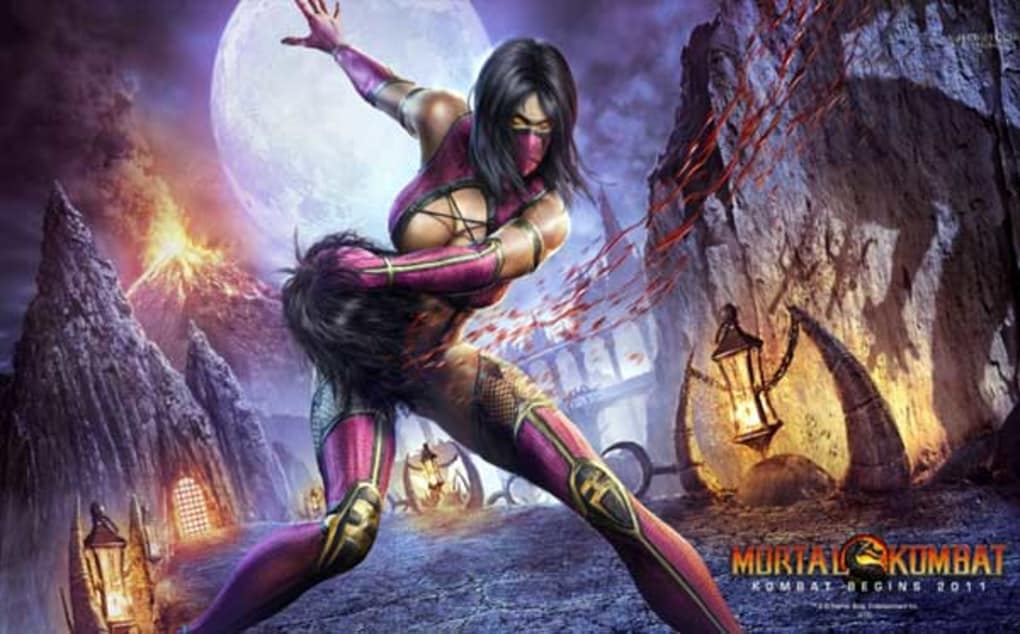
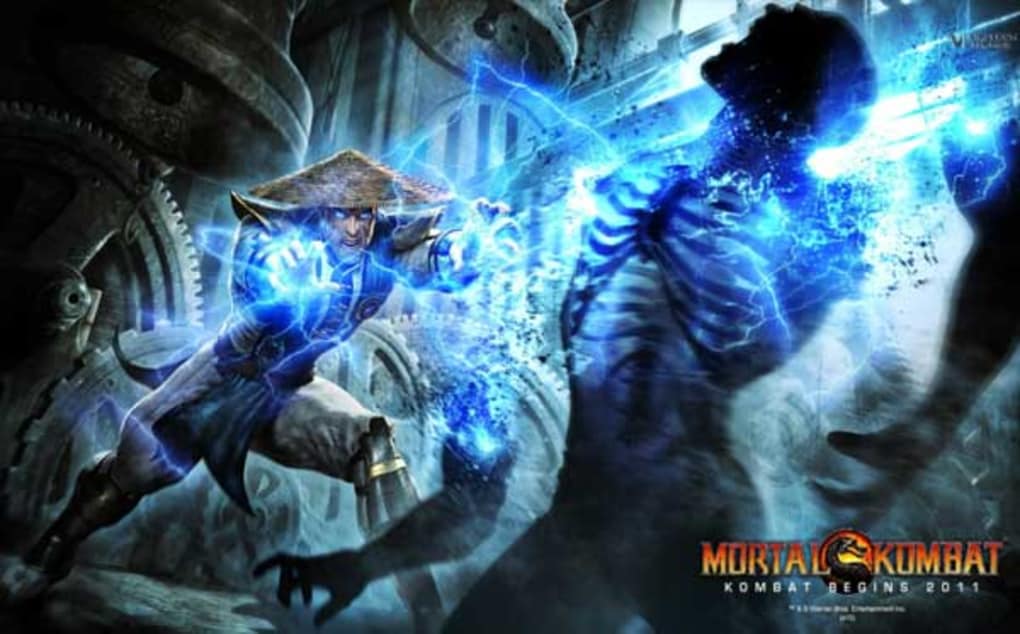
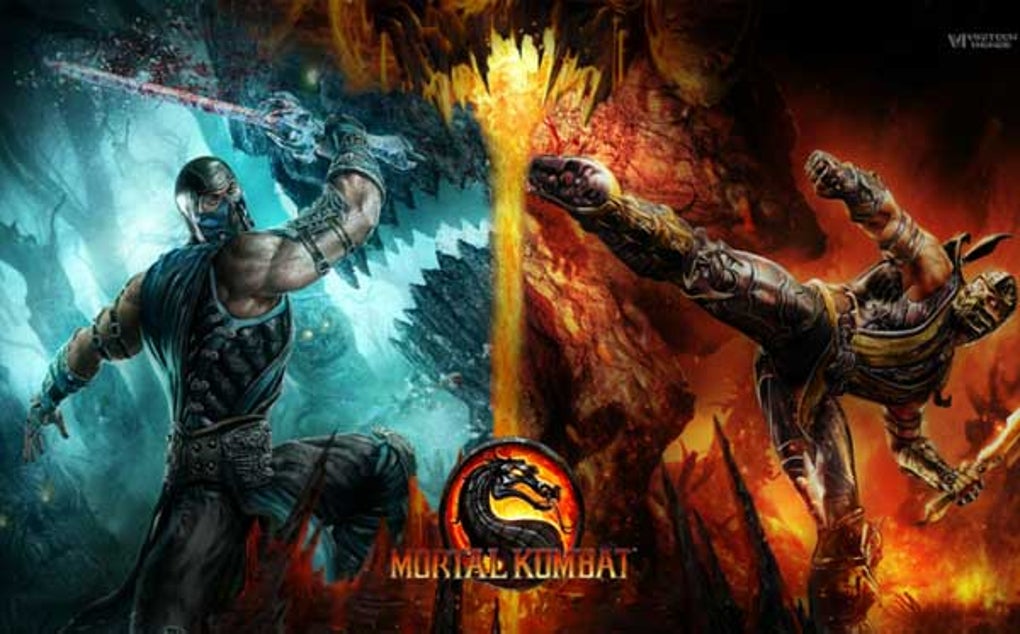
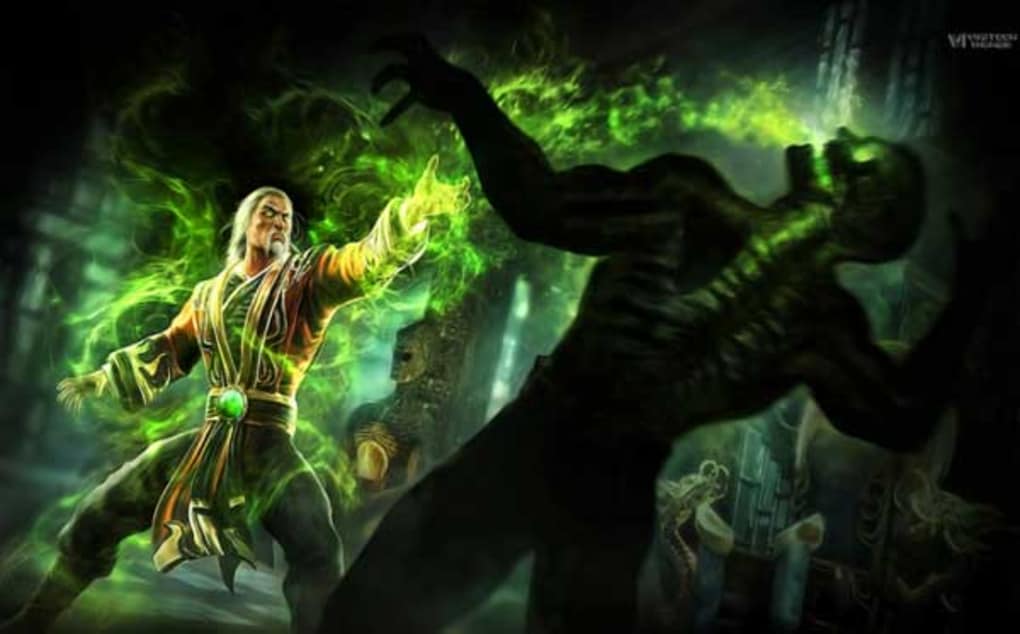
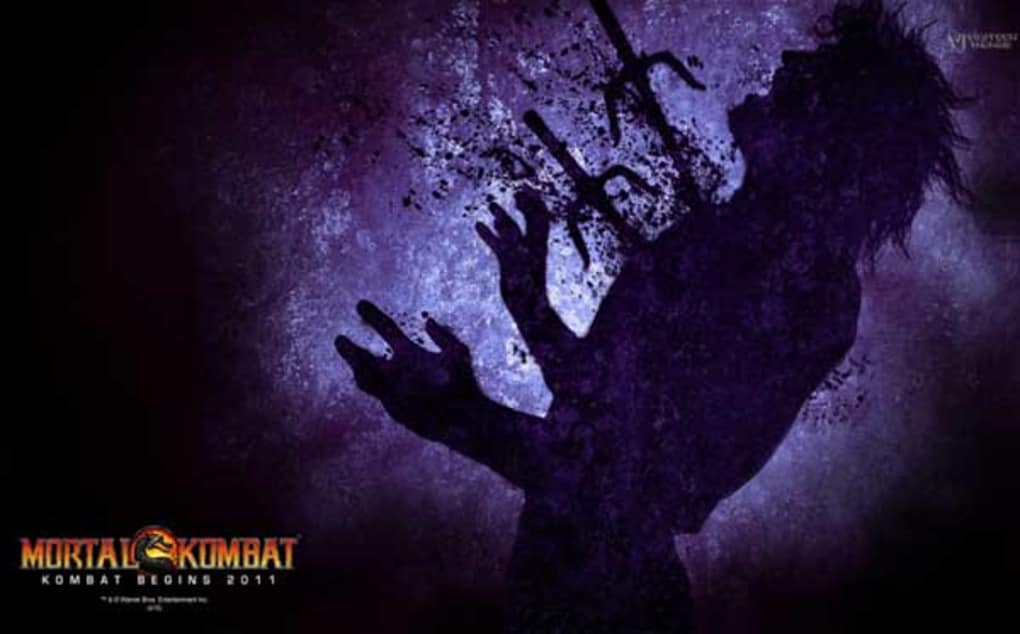
Mortal Kombat Themes is a curated collection of 67 free, high‑resolution wallpapers that bring the iconic fighters, brutal moves, and neon‑lit arenas of the Mortal Kombat franchise straight to your desktop, laptop, or mobile screen. Each image has been carefully up‑scaled to fit modern displays, ranging from classic 1920×1080 monitors to 4K UHD panels, ensuring crisp detail without pixelation. The library covers a wide spectrum of the series, from the gritty nostalgia of the original Mortal Kombat and Mortal Kombat II to the polished visuals of Mortal Kombat 11, giving fans of any era something to admire. All wallpapers are offered under a free‑to‑download model, meaning you can instantly grab your favorite character—whether it’s Scorpion’s fiery mask, Sub‑Zero’s icy stare, or Kitana’s elegant fan—without worrying about hidden fees or subscription traps. While the images are of high quality, it is worth noting that the art style reflects the visual language of the earlier games, which some newer fans might consider “dated” compared with the hyper‑realistic textures of recent releases. Customer support is limited, and response times can be slow, so users seeking technical assistance should be prepared for a DIY approach. Despite these minor drawbacks, Mortal Kombat Themes remains a valuable resource for enthusiasts who want to personalize their devices with authentic, free game‑related artwork. The collection is regularly updated with new releases, though the update cadence is modest. Overall, this free wallpaper pack delivers a nostalgic yet vibrant visual experience that aligns perfectly with the fierce energy of the Mortal Kombat universe.
Key Features & Content
- 67 high‑resolution wallpapers covering every major Mortal Kombat title from 1992 to 2023.
- Optimized for a range of screen sizes: 1080p, 1440p, 4K, and mobile resolutions (1080×1920, 1440×2560).
- Multiple aspect‑ratio options (16:9, 21:9, 4:3) to fit widescreen monitors and ultrawide displays.
- Fully free download – no hidden charges, registration, or subscription required.
- Curated categories: Character Portraits, Fatality Scenes, Stage Backgrounds, and Iconic Logo Variants.
- Easy‑to‑use ZIP archive containing separate folders for Windows, macOS, Android, and iOS users.
- Consistent naming convention (e.g., “Scorpion_Fatality_4K.jpg”) for quick identification.
- Occasional thematic bundles (e.g., “Mortal Kombat X Fan Pack”) released for special events.
- Secure download links hosted on reputable CDN with SSL encryption.
- Community‑submitted fan art sections, clearly labeled and credit‑given.
Installation & Compatibility Guide
Installing Mortal Kombat Themes is straightforward, regardless of whether you’re on a Windows PC, macOS, Android smartphone, or iOS tablet. Below is a step‑by‑step guide that covers each platform, ensuring a smooth setup without the need for third‑party software.
Windows (10, 11, and earlier versions)
- Click the “Download for Windows” button on the download page; the ZIP file (≈ 150 MB) will start downloading.
- Once the download completes, right‑click the ZIP file and select Extract All…. Choose a destination folder such as
C:\Wallpapers\MortalKombat. - Navigate to the extracted folder and browse the subfolders (e.g.,
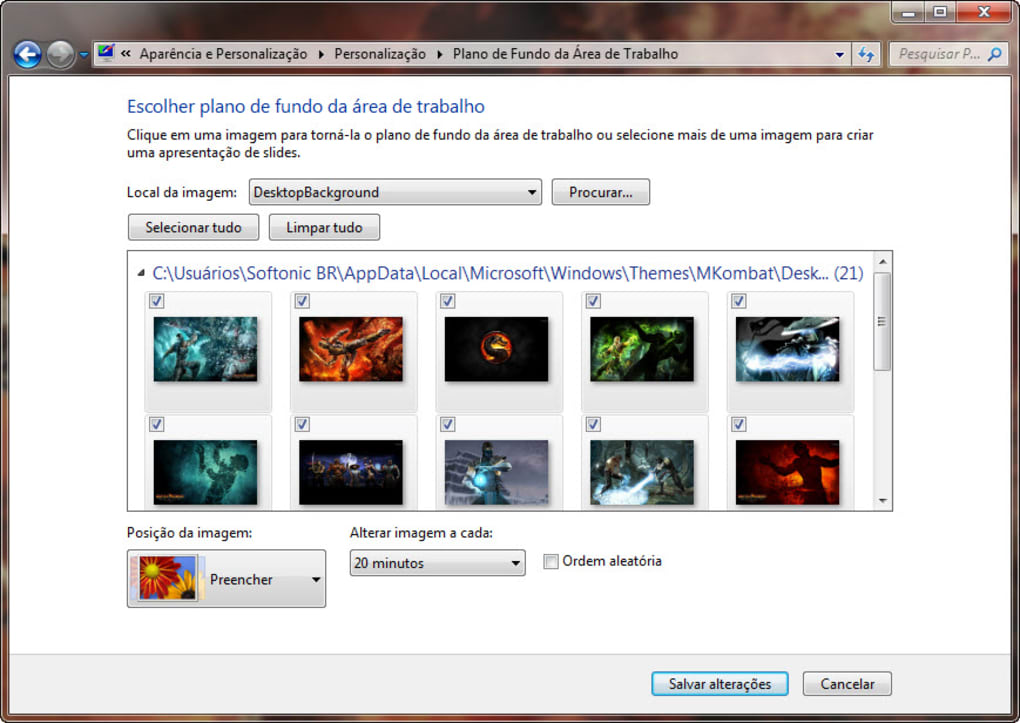
4K,1080p) to locate your preferred image. - Right‑click the chosen image and select Set as desktop background. For a slideshow, go to Settings → Personalization → Background and add the folder to the picture rotation list.
macOS (Big Sur, Monterey, Ventura)
- Download the macOS package; the ZIP will appear in your Downloads folder.
- Double‑click the ZIP to unzip it. Drag the resulting folder to
~/Pictures/MortalKombatfor easy access. - Open System Settings → Desktop & Screen Saver. Click the “+” button, locate the folder, and select the desired wallpaper.
- Enable “Change picture” if you wish to rotate through the entire collection at a set interval.
Android (8.0 Oreo and later)
- Tap the Android download button; the file will be saved in the Downloads folder.
- Use a file manager (e.g., Files by Google) to extract the ZIP.
- Long‑press the image you want, then choose Set as wallpaper. Choose “Home screen”, “Lock screen”, or both.
- For automatic rotation, install a lightweight launcher that supports wallpaper slideshows (e.g., Nova Launcher) and point it to the extracted folder.
iOS (iPhone 13, iPad OS 16 and later)
- Tap the iOS download link; the ZIP will be saved to the Files app.
- Tap the ZIP to preview, then press the share icon and select Save Image for each wallpaper you wish to use.
- Open Settings → Wallpaper → Choose a New Wallpaper, then select the saved image from your photo library.
- Activate “Perspective Zoom” if you prefer a dynamic effect on supported devices.
Mortal Kombat Themes is compatible with Windows, macOS, Android, and iOS, making it a versatile solution for virtually any device you own. The files are standard JPEG images, so they can be used with any third‑party wallpaper manager or desktop customization tool.
Pros, Cons & Frequently Asked Questions
Pros
- Completely free – no hidden fees or subscription required.
- High‑resolution images suitable for 1080p up to 4K displays.
- Broad coverage of the Mortal Kombat franchise, satisfying fans of all eras.
- Secure, SSL‑protected download links ensure safety.
- Organized folder structure makes it easy to find the perfect wallpaper.
Cons
- Art style reflects older game aesthetics; newer fans may find some images dated.
- Customer support response times are slow, offering limited assistance.
- Occasional updates are infrequent, so new game releases may not be immediately represented.
- No built‑in slideshow feature; users must rely on OS settings or third‑party apps.
- File size of the full pack (≈150 MB) may be large for limited‑bandwidth connections.
Frequently Asked Questions
Are the Mortal Kombat Themes truly free?
Yes. All 67 wallpapers can be downloaded at no cost. There are no hidden fees, registration requirements, or subscription plans.
What image formats are provided?
The wallpapers are delivered as high‑quality JPEG files, which are universally compatible with Windows, macOS, Android, and iOS.
Can I use these wallpapers for commercial purposes?
No. The license is for personal, non‑commercial use only. If you wish to use the images in a commercial project, you must obtain permission from the original game publisher.
How often are new wallpapers added?
Updates are released sporadically, typically after a major Mortal Kombat title launches or during special events. Users can subscribe to the newsletter for notification of new releases.
Is there any risk of malware when downloading?
The download is hosted on a reputable CDN with SSL encryption, and the files have been scanned for viruses. There is no known risk of malware.
Conclusion & Call to Action
Mortal Kombat Themes delivers exactly what its name promises: a free, high‑quality wallpaper library that captures the brutal beauty of the Mortal Kombat universe. While the collection leans toward the classic visual style of early titles and customer support could be more responsive, the sheer volume of images, multi‑platform compatibility, and zero‑cost barrier make it a compelling choice for fans seeking to personalize their devices. Whether you’re gearing up for a gaming marathon or simply want a fresh backdrop that showcases your love for the franchise, these wallpapers provide a quick and secure way to level up your screen.
Ready to transform your desktop, laptop, or mobile device? Free download the Mortal Kombat Themes pack now and unleash the power of Scorpion, Sub‑Zero, and the entire roster onto your screen. Don’t forget to bookmark the page for future updates and share your favorite wallpaper on social media using #MortalKombatThemes!
Guides & Tutorials
How to install Mortal Kombat Themes
- Click the Download button above.
- Once redirected, accept the terms and click Install.
- Wait for the Mortal Kombat Themes download to finish on your device.
How to use Mortal Kombat Themes
This software is primarily used for its core features described above. Open the app after installation to explore its capabilities.
User Reviews
No reviews yet. Be the first to share your experience.
You may also like
more
Llama 2
Free-to-use large language model As the new addition to Meta’s arsenal of langua...

NotebookLM
Revolutionizing the note-taking and idea-generation process NotebookLM is an exp...

Github co pilot
AI-inspired software development and coding platform GitHub Copilot is a browser...

Google Gemma
Google’s lightweight AI models Introducing Google Gemma , a family of cutting-ed...

AI Image Enlarger
A free app for Windows, by ai-image-larger. AI Image Enlarger is a free software...

DALL E
AI-driven text-to-image transformation engine DALL·E is a free graphic and desig...